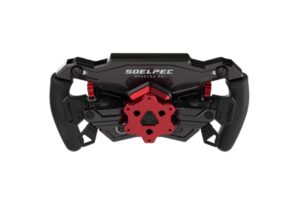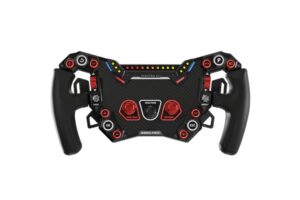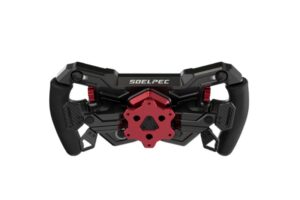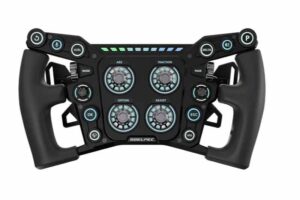
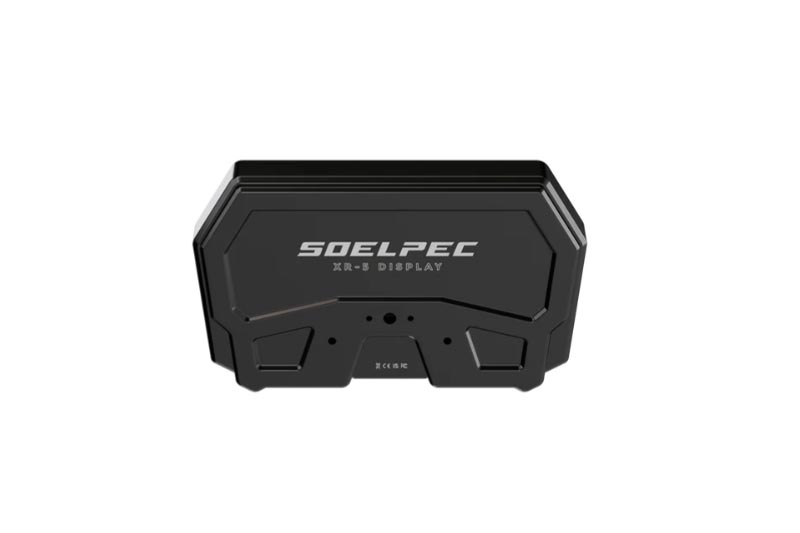
SOELPEC XR-5 Display

429,00 

0 in stock

SPEZIFIKATIONEN:

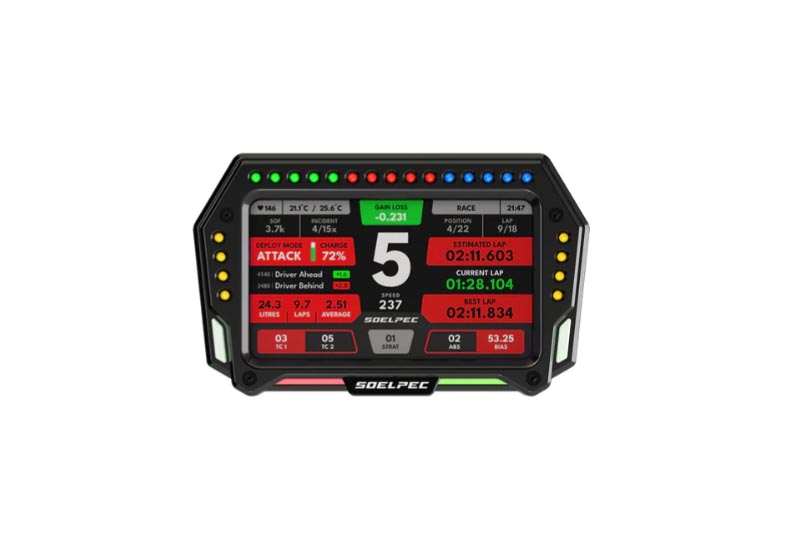
  • 5-Zoll-Touchscreen
  • Vollständig anpassbare RGB-Beleuchtung
  • 33 konfigurierbare LEDs für die Telemetrie
  • Beleuchtete Tasten auf jeder Seite
  • Struktur aus eloxiertem 6061er Aluminium
  • Telemetrie-Lichtleiste im unteren Bereich
  • Kompakter USB Typ-C Anschluss
  • Verstellbare Montagehalterungen

What is included?

  • Dashboard XR-5
  • USB Typ-C Kabel
  • Kohlefaser-Montagehalterung
  • Senkkopf-Montageschrauben
  • 3 mm und 4 mm Inbusschlüssel
  • SOELPEC Aufkleber
  • Schnellstart-Anleitung

Empfehlungen:

  • Das XR-5 Armaturenbrett enthält verstellbare Halterungen für die gängigsten Lenkradsockel auf dem Markt. Es enthält auch eine 1/4-Zoll-Gewindebohrung für zusätzliche Montageunterstützung.
  • Wir empfehlen Ihnen, die neueste Version von SimHub herunterzuladen und zu installieren, um alle Beleuchtungsfunktionen und das Display-Bedienfeld zu nutzen. Wählen Sie dazu einfach „SOELPEC – XR-5 Display“ im Bereich Geräte aus.
  • Um das spezielle SOELPEC Control Panel herunterzuladen und zu installieren, besuchen Sie die Support-Seite.
  • Es wird empfohlen, für höhere Helligkeitsstufen einen USB-Hub mit Stromanschluss zu verwenden.
Additional information

Weight 0,9 kg

SOELPEC XR-5 Display

429,00 

0 in stock

SPECIFICATIONS

  • 5-inch touch screen
  • Fully customizable RGB lighting
  • 33 configurable LEDs for telemetry
  • Illuminated buttons on each side
  • All 6061 anodized aluminum structure
  • Telemetry light bar in the lower section
  • Compact USB Type-C connection
  • Adjustable mounting brackets

What is included?

  • Dashboard XR-5
  • Carbon Fiber Mounting Bracket
  • Countersunk Mounting Screws
  • 3 mm and 4 mm Allen wrenches
  • SOELPEC Stickers
  • Quick Start Guide

Recommendations:

  • The XR-5 dashboard includes adjustable mounting brackets for the most popular Steering wheel bases on the market. It also includes a 1/4-inch threaded hole for additional mounting support.

    We recommend that you download and install the latest version of SimHub to use all the lighting functionalities and the display control panel. All you need to do is select “SOELPEC – XR-5 Display” in the devices section.

    To download and install the dedicated SOELPEC Control Panel, you can go to our support page.

    It is recommended to use a powered USB hub for higher brightness levels.

Additional information

Weight 0,9 kg